
Most remote Olympic weightlifting coaches didn't start with software. They started with a spreadsheet that made sense when they had four athletes and one training block. Then the roster grew, athletes trained on different maxes, and every Monday turned into an hour of copy-pasting percentages across twenty tabs. Olympic weightlifting coaching software exists to remove that work, but the move away from spreadsheets only pays off when you understand what breaks and why. This article covers the failure points we see most often, what a purpose-built tool should handle, and how to switch without losing your athletes' history.
Quick Takeaways
| Key Insight | Explanation |
|---|---|
| Maxes belong to the athlete | Keep one max record per athlete and let every program calculate from it, so one updated PR fixes every future load. |
| Group templates beat copied tabs | Write one shared template for the structure, then override only the athletes who truly differ. |
| Plan the whole cycle before week one | Seeing blocks, weeks, and planned volume before anything reaches an athlete catches stacking errors early. |
| Attach feedback to the session | Feedback sitting in a separate chat thread is slow to reconcile with the program it refers to. |
| Keep one logging rule per team | Changing how athletes log mid-cycle makes trend data impossible to read. |
| Switch one team at a time | Run the old sheet beside the new system for one block, then retire it once the numbers match. |
Why Spreadsheets Stop Working for Remote Coaches
A spreadsheet is a sensible tool for one coach, one athlete, and one training block. The trouble starts when the same file has to hold twelve athletes, three phases, and a different set of maxes for each person. Every change means touching many cells, and one broken reference can quietly push the wrong load to an athlete who is about to attempt a heavy clean.

The bigger problem for remote coaches is distance. You can't watch the bar in person, so you depend on what athletes type into a message or a log. When the program lives in one file and the feedback lives in three chat threads, you spend more time reconciling the two than actually coaching.
The hidden cost of a file that grows
Most spreadsheets start clean and get messy in layers. A coach adds a tab for a new athlete, copies a deload week, then changes a formula in one row and forgets the others. After a year, nobody, including the coach, can say with confidence which version of the program is current.
Why remote coaching exposes the gaps
In person, a coach can correct a rep scheme on the spot. Remotely, the mistake shows up two days later, after the athlete has already trained with the wrong percentages. Software that calculates weights from each athlete's own maxes and keeps the program in one place removes most of that lag. A spreadsheet can do the arithmetic, but it won't stop you from getting the arithmetic wrong.
Pro tip: Before you switch anything, count how many times last month you had to fix a program after an athlete asked what a number meant. That count is the real cost of staying put.
Where Per-Athlete Percentages Break Down
Olympic weightlifting programming runs on percentages. A 75 percent snatch means something different for every athlete, because each one has a different snatch max. The spreadsheet approach usually handles this with a column of maxes and a formula per exercise. It works until someone types kilos into a pounds column.
Copy-pasting percentages across twenty tabs
The most common pattern is the coach who builds one strong block for a single athlete, then copies the tab for everyone else. Each copy inherits the same percentages but not the same maxes, so every target has to be rewritten by hand. The tabs look identical, which is exactly why the errors go unnoticed.
Unit mistakes and rounding
Kilograms and pounds cause more trouble than most coaches admit. A sheet that mixes units, or rounds a plate increment in one tab but not another, sends athletes slightly off plan. In a sport where a few kilos decide a lift, slightly off is a real problem. Automatic kg and lb calculation from percentages removes the manual conversion step entirely.
A useful test is to pick one athlete, change their snatch max, and time how long it takes to update every affected week. If the answer is more than a minute, you are carrying that risk every week.
Pro tip: Store maxes in one place per athlete and let every program pull from that single record. When an athlete PRs, you update one number instead of hunting through old tabs.
How Group Programs Replace Copy-Paste Workflows
Team coaching is where spreadsheets really start to hurt. If you run a club of fifteen lifters, your deload week, your heavy singles day, and your competition taper are mostly the same for everyone, with different loads. Writing that fifteen times is not programming. It is data entry.
One template, many athletes
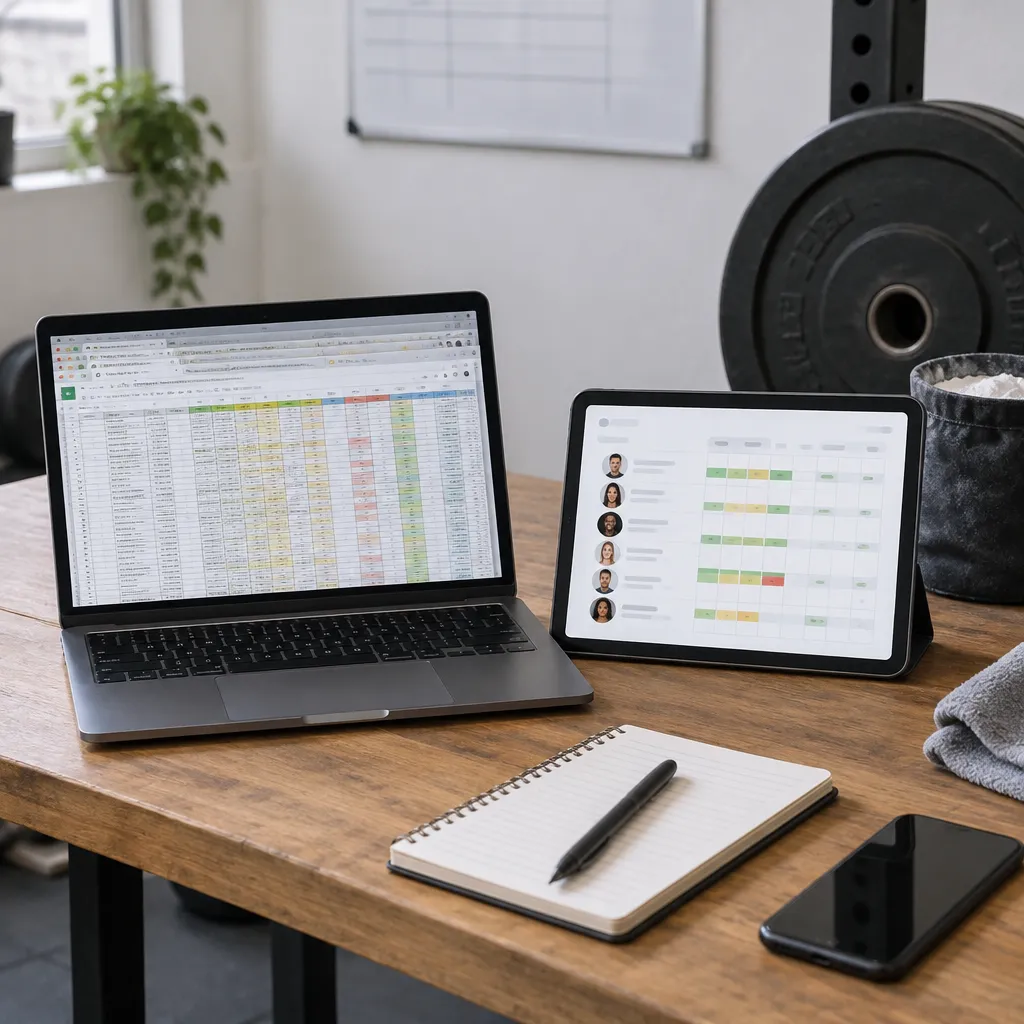
A group program lets you build one template and assign it to the whole roster. Weights are recalculated from each athlete's own maxes, so the template stays a single source of truth while the loads stay individual. When you edit the template, assigned athletes pick up the change, which is the part spreadsheets can't do cleanly.
Where group templates need judgment
A template is not a substitute for watching your athletes. One lifter may need less volume because they are recovering from a shoulder issue, and another may peak a week later for a meet. The practical approach is to keep one shared template for the structure and override only the athletes who genuinely differ. Overrides you can see are safer than overrides buried in a tab.
The Free plan covers one team with up to 15 active athletes, which is enough to test whether a shared template fits your squad. Larger rosters move to Pro, which allows up to 2 teams with up to 30 active athletes per team.
Blueprints for Planning Full Training Cycles
Spreadsheets are good at showing a single week and poor at showing a twelve-week cycle. You can scroll across columns, but it is hard to see how volume builds across accumulation, intensification, and peak blocks. A blueprint is a training plan written once, with loads in percentage of 1RM and split into named blocks. You can read the full blueprint setup guide to see how the screens fit together.
Writing the plan in percentages
You write a blueprint in the Matrix, a grid of exercises by weeks, which is the quickest way to draft the plan. When you apply it to an athlete, each block becomes its own program with weights worked out from that athlete's maxes. The plan stays reusable across the roster without losing individual loads.
Checking the Overview before you apply a cycle
The Overview tab shows blocks, weeks, planned volume, and who is on the plan. Checking it before you apply a cycle is where you catch the common mistake of stacking two heavy blocks back to back. Use Duplicate to build a variant for a different athlete group rather than editing the original.
A plan you can reuse is worth more than a plan you can only copy.
Most coaches should start with the Overview and the Matrix and ignore the rest until they need it. Everything you change saves automatically, so there is no save button to remember before you close the tab.
Athlete Dashboard and Training Data
The data problem with spreadsheets is not storage. It is retrieval. When an athlete says their hips felt beat up after last Thursday's snatch session, you need to find that session in seconds, not scroll through a month of tabs looking for the right row.
Feedback tied to the session
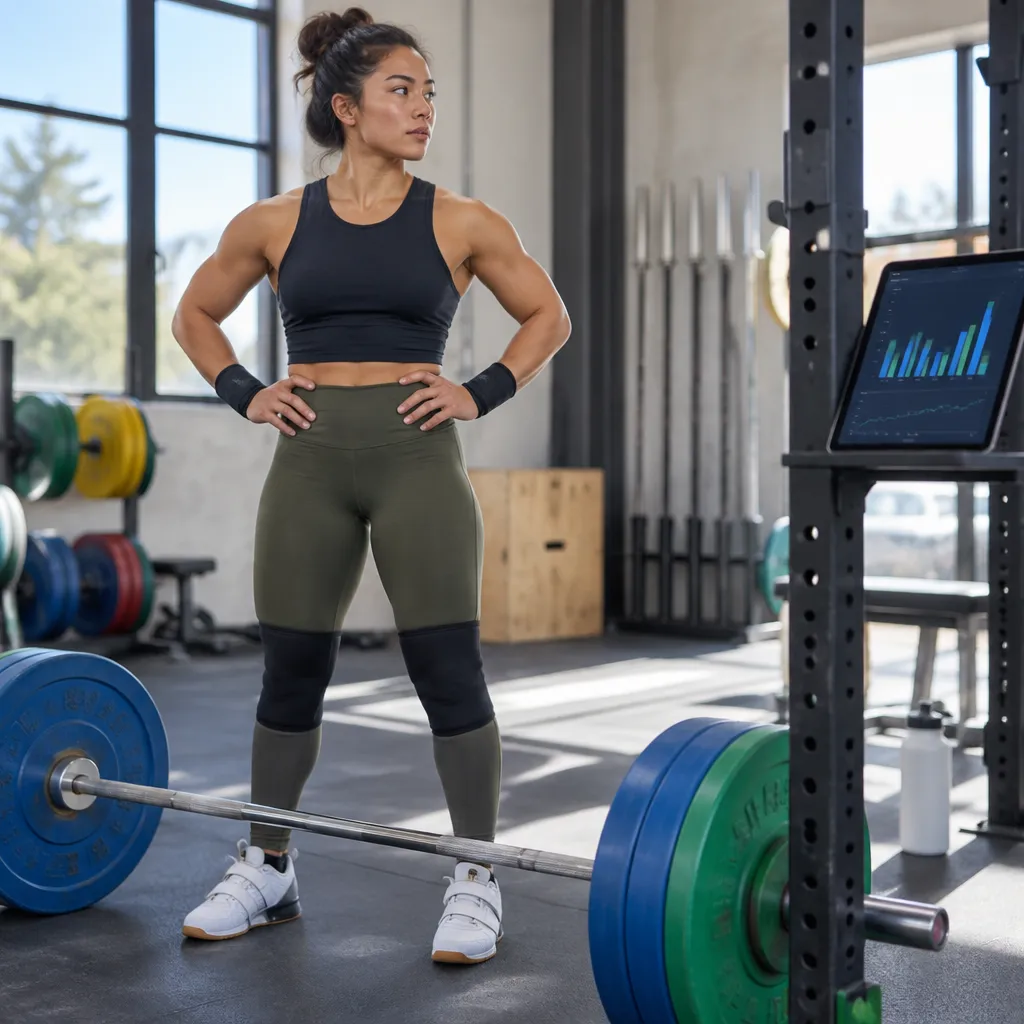
An athlete dashboard keeps the workout, the feedback, and the load in one record. Athletes get free access to their dashboard, workouts, and feedback tools, so the conversation stays attached to the session that prompted it. That matters most over a long cycle, when a small pattern of complaints can point to a volume problem.
Reading trends instead of rows
Data visualization is only useful when the underlying numbers are clean. If loads are typed into free text, no chart can help. When maxes, percentages, and completed sets are structured, you can spot the lifter whose snatch climbs while their clean and jerk stalls, and adjust the next block before the plateau becomes a problem.
Pay attention to what athletes actually log. A dashboard full of blank fields shows nothing useful, so set a simple logging expectation on day one and check compliance every week.
Pro tip: Choose one logging rule per team, such as completed versus planned sets, and keep it for the whole cycle. Changing the rule midway makes trends impossible to read.
Meet Tracking and Competition Prep
Competition prep is where a spreadsheet becomes risky. Attempt selections, opener weights, and meet paperwork depend on numbers that often change in the final week. If those numbers live in a separate file from the training program, the chance of a mismatch rises every day closer to the platform.
Keeping attempts linked to the training block
Meet tracking lets you record competitions alongside the program that led to them. That link shows which blocks produced your best snatch and clean and jerk, and which ones left athletes flat. Across several meets, that history is more useful than any single result.
Planning the taper as part of the cycle
Tapers look simple on paper and get fiddly in practice. You reduce volume, keep intensity, and check that the last heavy session lands at the right time. Building the taper inside a blueprint makes it easy to reuse the same structure for the next athlete and to see the full run of weeks before it starts.
Coaches who run a team through a competition season should keep one archive per athlete. Results, opening attempts, and the block that preceded them become the planning data for the next cycle, and the platform also supports complexes within those programs.
Choosing a Spreadsheet Replacement
Not every alternative fits Olympic weightlifting. Generic programming tools often handle sets and reps well but treat percentage-based snatch and clean work as an afterthought. Before you commit, test how a tool handles the things you do every day, not just the feature list on its homepage.
| Approach | Strengths | Weak Spots |
|---|---|---|
| Spreadsheets | Free, fully flexible, and familiar to most coaches | Manual percentage math, copy errors, and feedback kept in a separate place |
| General-purpose workout apps | Simple athlete logging and a quick start | Often built around general fitness, so percentage-based Olympic lifting needs workarounds |
| Purpose-built Olympic weightlifting software, such as Coachable | Per-athlete weight calculation, group templates, blueprints, and meet tracking in one place | Takes a short learning curve, and each plan has athlete and team caps |
Questions to ask before you switch
Ask whether the tool calculates each athlete's loads from their own maxes, whether one edit can reach a whole group, and whether you can plan a full cycle before it starts. Then check the plan limits. Coachable's Free plan is $0 forever and requires no credit card, so you can test your real roster before choosing Pro at $20 per month or Premium at $145 per month, both with a 30-day free trial. See pricing for the full comparison.
Also check how the tool handles athletes who pay you. Coachable can connect to Stripe so you can charge athletes, and the subscription price is set by the coach.
Making the Switch Without Losing Your Athletes' History
The mistake that derails most switches is trying to move the whole squad in one weekend. Start with one team, one block, and the athletes who are easiest to reach. You learn the workflow on low-stakes data before the rest of the roster depends on it.
Running old and new side by side for one block
Keep the spreadsheet open for a single cycle while you write the same block in the new system. Compare the loads for two or three sessions. When the numbers match, retire the sheet. This takes longer than a clean cut, but it catches the rounding and unit errors you were already living with.
What happens when your roster outgrows a plan
If you hit an athlete or team limit, you upgrade to a plan with a higher cap, and existing athletes and data stay untouched. Plan for that growth so it never forces you to rebuild history. Once the new system holds your athletes, archive the old files rather than deleting them, in case you need to check an old max.
Pro tip: Copy your current maxes into one list before you start, then check them against the new athlete records on day one. Wrong maxes are the most expensive error to find in the middle of a cycle.
Frequently Asked Questions
Is Olympic weightlifting coaching software worth it for a coach with only a few athletes?
It is worth testing if you spend more than a few minutes per athlete each week editing programs. The Free plan is $0 forever, covers one team with up to 15 active athletes, and requires no credit card, so you can try it with your real roster first.
Can Coachable be used for powerlifting or general strength training?
Coachable is built for Olympic weightlifting first, but it also suits powerlifting, general strength, and hybrid strength. Dedicated CrossFit and WOD features are still in development.
How much does it cost to move up from the Free plan?
Pro costs $20 per month and allows up to 2 teams with up to 30 active athletes per team, plus a 30-day free trial. Premium costs $145 per month for unlimited teams and athletes, advanced AI Assistant access, and a 30-day free trial.
Do athletes have to pay to use the dashboard?
No. Athletes get free access to their dashboard, workouts, and feedback tools. If you want to charge for coaching, you can connect Stripe, and the subscription price is set by you.
What happens to my data if I hit a plan limit?
You upgrade to a plan with a higher cap. Existing athletes and data stay untouched, so the switch does not reset your history.
Should I keep my spreadsheet after switching?
Keep it as an archive for at least one cycle while you check the numbers, then retire it once the new system holds everything you need.
Have you moved a team off spreadsheets, and which part broke first? Tell us about your experience so other remote coaches can learn from what you kept and what you dropped.